
Cinema HD Not Working? Fix Buffering & Crashing Issues
Cinema HD APK, especially the latest Cinema HD V2 APK, is rising in popularity by providing access to content from top OTT apps like Amazon Prime, Netflix, Hulu, and more. With its outstanding performance, it’s quickly becoming a favorite in the streaming world.

However, some users face issues like Cinema HD not working crashing or buffering . In this guide, we’ll walk you through fixing these problems and improving your streaming experience. Plus, if you want to download Cinema HD APK for FireStick, or explore the 4K and Lite versions, we’ve got easy steps to follow!
Table of Contents
Cinema HD Not Working & Buffering Issue
Fix Cinema HD App Buffering Issue
Cinema HD has gained popularity as a streaming app, offering access to content from OTT platforms like Amazon Prime, Netflix, Hulu, and more. However, many users face Cinema HD buffering issues, which can ruin the streaming experience. If you’re dealing with these problems, this article will help you understand the main causes of buffering and how to fix them.
Clear App Cache
The first step to resolve buffering issues is clearing the app cache. A filled-up cache can cause interruptions in streaming and lead to buffering. Here’s how you can clear the cache:
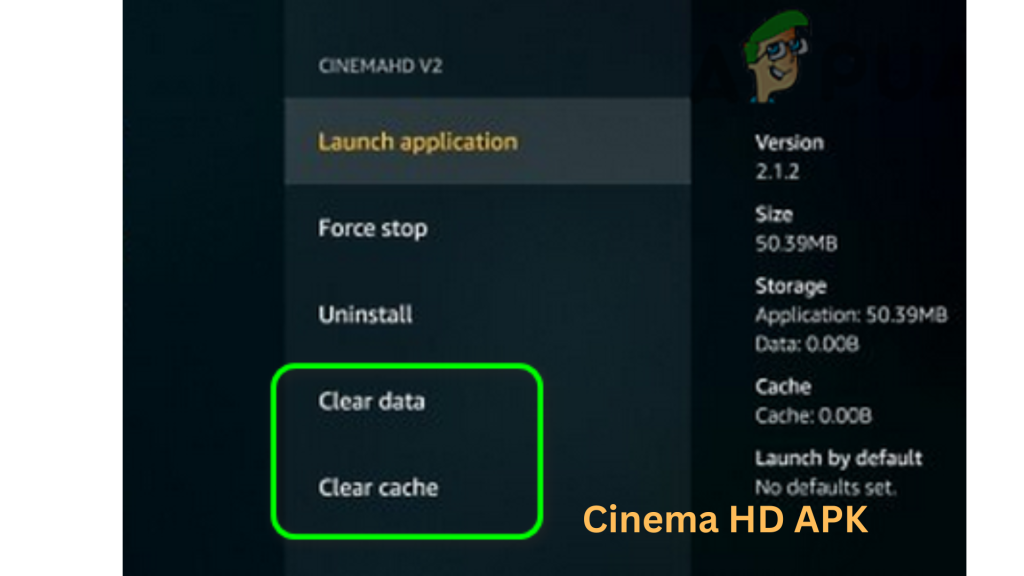
Clearing the cache should help fix most buffering issues with Cinema HD application.
Use a VPN
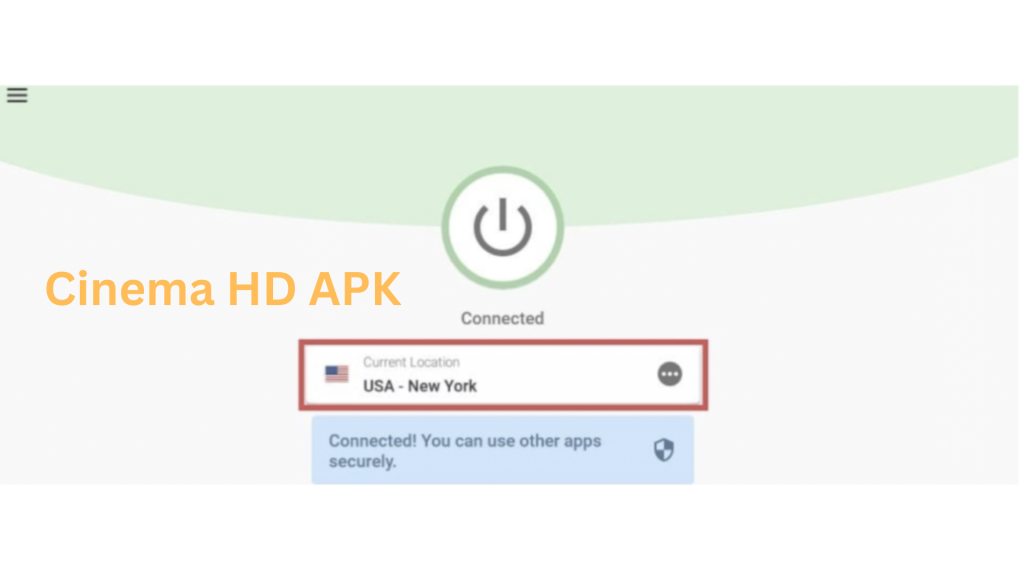
Sometimes, your Internet Service Provider may throttle your internet speed when it detects you’re using a third-party streaming app. This can cause buffering issues. To bypass this, use a paid VPN service. A VPN hides your streaming activity from your ISP, preventing throttling and ensuring smoother streaming.
Use Real-Debrid
One of the primary reasons behind Cinema HD buffering is the usage of low-quality streaming links. Free links get overcrowded, which leads to slow streams and even crashes the app. If you want to get Cinema HD to work seamlessly, the answer is connecting Real-Debrid.
Real-Debrid is a paid service which offers links to streams you can rely on and which remarkably improves speed. Once connected, it replaces a majority of free links with paid ones that are far more reliable. This helps in resolving the issues related to Cinema HD not working, crashing and buffering.
After the linkage, while searching for movies or shows, you will see Real-Debrid Premium links appear first. These links improve the streaming, lower buffering and decrease app crashing to enhance your Cinema HD experience.
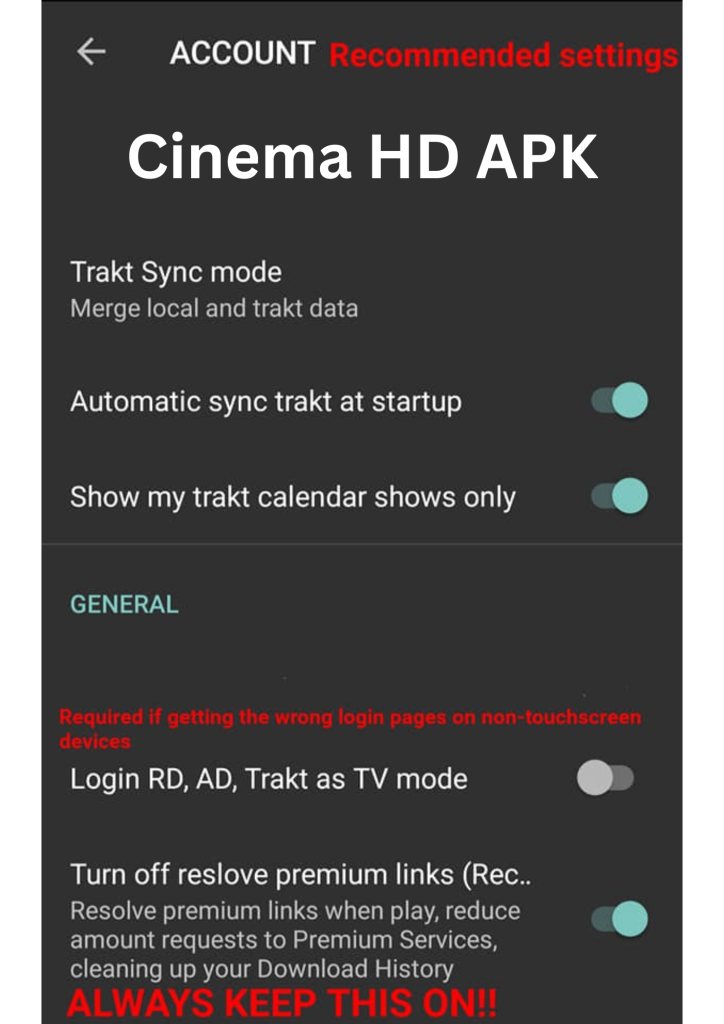
With Real-Debrid, you’ll get better links for uninterrupted streaming.
Check Your Internet Connection
Sometimes, buffering issues stem from a poor internet connection. If your WiFi signal is weak, it can affect your streaming quality. Check your internet connection to make sure it’s stable and strong enough for streaming.
Check Other Links
If buffering occurs on a specific link, try switching to another available link. The issue may lie with the link itself, and switching to a different one can often resolve the problem.
By following these steps, you can fix Cinema HD buffering issues and enjoy a smoother streaming experience. Whether you’re using FireStick, Nvidia Shield, or other compatible devices, these solutions should help improve your streaming quality.
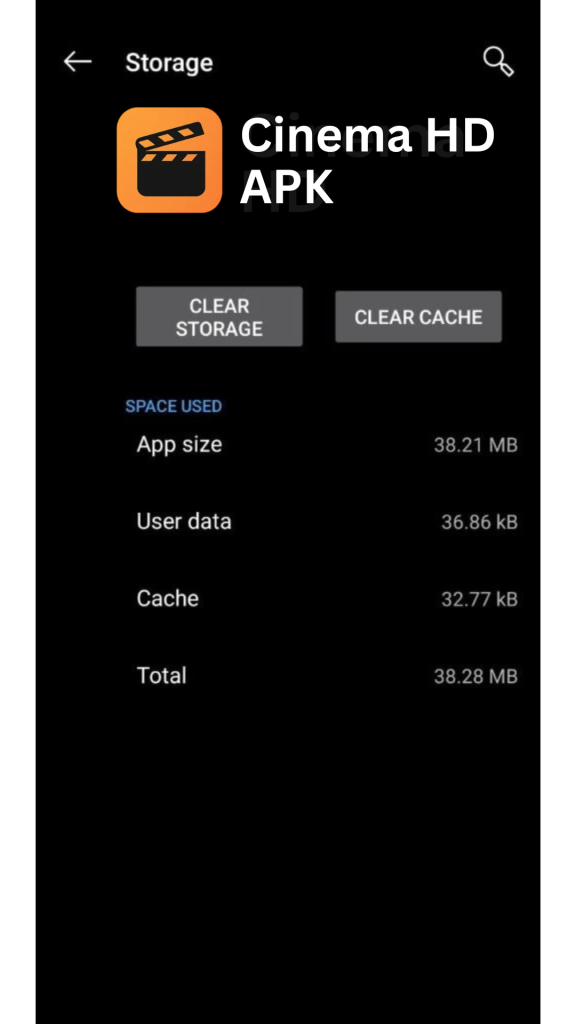
Check your device space
Sometimes, if your device is running low on storage, it can contribute to buffering issues. When your device’s storage is almost full, it can affect the app’s performance and lead to interruptions while streaming. To fix this, free up some space on your device and check if the buffering issue gets resolved.
Fix Cinema HD APK Crashing Issue
If HD Cinema movies is crashing on your device, the issue might be related to compatibility. Here are some solutions to fix the problem:
Also Check Out:
Fix Cinema HD Subtitles (Not Loading, Out of Sync, Wrong Titles)Fix Cinema HD Not Working Issue
A lot of users have reported issues like Cinema HD not working on FireStick or Cinema HD not working on Android Box. Here’s how to fix these issues:
Conclusion
The solutions we’ve discussed should help you troubleshoot problems, such as Cinema HD not working, Cinema HD crashing, or Cinema HD buffering continuously. The Cinema HD solutions discussed fix common problems encountered by Cinema HD users. These problems include buffering, crashing during playback, and malfunctioning of the app. Please share any other working Cinema HD solutions you have found that address the problems of crashing and buffering. This will help other users.